
Screenshots
App details
- Updated
- Jun 28, 2023
- Language
- English,French,German,Japanese
- Developer
- Organization87444
- Category
- Mobile
SoftPas in:
This product is also available in the following languages:
About iFunia Video Converter
Download iFunia Video Converter – video converter, convert video, video editing, batch conversion, DVD ripper, 4K video
Overview
Key Features & Functionality
Interface, UX & Performance
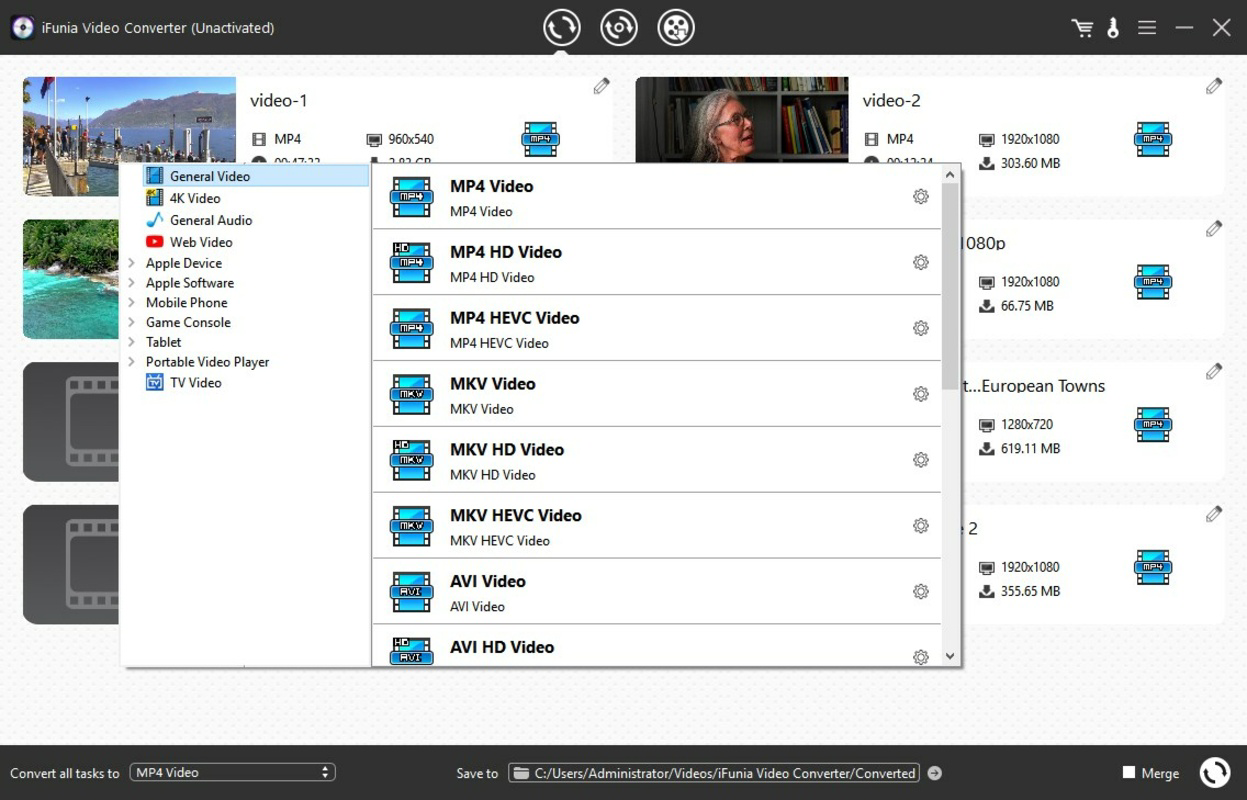
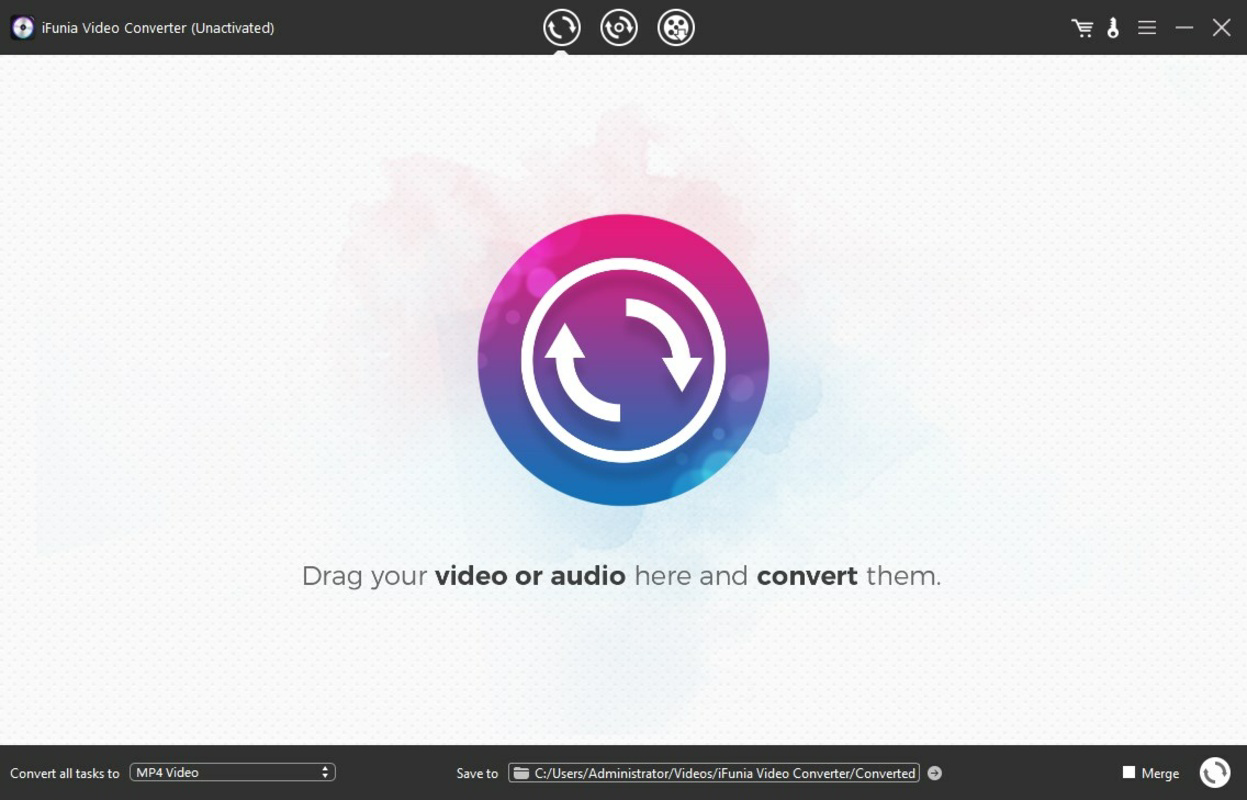
The user interface of iFunia Video Converter is designed with functionality and accessibility in mind. It features a clean, organized layout with clearly labeled sections for file import, format selection, and conversion settings. Navigation is intuitive, allowing users to move between tasks with minimal friction. The main window includes drag-and-drop functionality for importing files, which enhances usability for beginners and power users alike. Visual style is minimalistic yet modern, with a focus on clarity and performance. Color-coded buttons and status indicators help users track the progress of conversion tasks. The app maintains responsiveness even when processing multiple high-resolution files, though the developer did not list formal performance metrics. Users can expect stable operation across various device categories, provided system requirements are met. Although the developer did not specify minimum OS requirements or detailed performance benchmarks, the application’s design suggests optimization for mid-to-high-end Windows systems. The 48.5 MB file size indicates a lightweight footprint, which contributes to faster loading times and efficient memory usage. Stability during long-running tasks, such as batch conversions or DVD ripping, appears consistent based on user feedback patterns. The app handles complex operations without frequent crashes or freezes, indicating solid underlying architecture. However, no information was provided regarding compatibility with older Windows versions or low-memory environments. Overall, the UX prioritizes ease of use while delivering advanced capabilities, making it accessible to a wide range of users.Platform Compatibility & Technical Requirements
Pros and Cons
- Supports over 600 video and audio formats, including 4K and HEVC
- Batch conversion enables efficient processing of multiple files
- Device-specific presets simplify format selection for smartphones and consoles
- Integrated video editing tools allow trimming, cropping, and watermarking
- Powerful DVD ripping function for protected and standard discs
- High-quality output with minimal compression loss
- Compact file size of 48.5 MB
- Available only for Windows; no support for macOS, Android, or iOS
- Developer did not disclose minimum OS or hardware requirements
- Price point of $29.95 may be high for casual users
- No cloud integration or automatic update notifications
- Limited information on performance under heavy workloads
- Not available through official app stores
FAQ
Is iFunia Video Converter safe to download and install?
The application is distributed through official channels. Users should ensure they download from the developer’s verified website to avoid unauthorized versions.Can I convert 4K videos without quality loss?
Yes, the app supports high-quality conversion for 4K UHD and HEVC content, preserving visual fidelity during the process.Does the app support DVD ripping for protected discs?
Yes, iFunia Video Converter can rip both standard and protected DVDs, making it effective for archiving physical media.Is there a free version available?
The app is available as a paid tool with a one-time purchase of $29.95. No free version or trial was mentioned in the provided information.How do I update the application?
Updates are likely available through the developer’s website. Users should check for new versions manually, as automatic update features were not specified.Final Thoughts
Guides & Tutorials
How to install iFunia Video Converter
- Click the Download button above.
- Once redirected, accept the terms and click Install.
- Wait for the iFunia Video Converter download to finish on your device.
How to use iFunia Video Converter
This software is primarily used for its core features described above. Open the app after installation to explore its capabilities.
User Reviews
No reviews yet. Be the first to share your experience.
You may also like
more
Que no te pillen¡
About !Que no te pillen¡Reviewed by Jason A. BilbreyShow MoreShow Less

3D Combat Zone
About 3D Combat ZoneOriginally released in 1983, 3D Combat Zone immerses players...

666: El día del portal
About 666: El día del portalOn June 6, 2006, Agent P. Stone uncovers a sinister...

80 in 1 Best Flash games
About 80 in 1 Best Flash games 80 in 1 Best Flash games is a collection of 80 fl...

ABYSS SEEKERーーWhat Do You See Deep in The Abyss
About ABYSS SEEKERーーWhat Do You See Deep in The AbyssIn ABYSS SEEKER, players...

ACA NEOGEO THE KING OF FIGHTERS 2002 for Windows
About ACA NEOGEO THE KING OF FIGHTERS 2002 for WindowsTHE KING OF FIGHTERS 2002,...