
Download iFunia Video Converter – video converter, convert video, video editing, batch conversion, DVD ripper, 4K video
Overview
Key Features & Functionality
Interface, UX & Performance
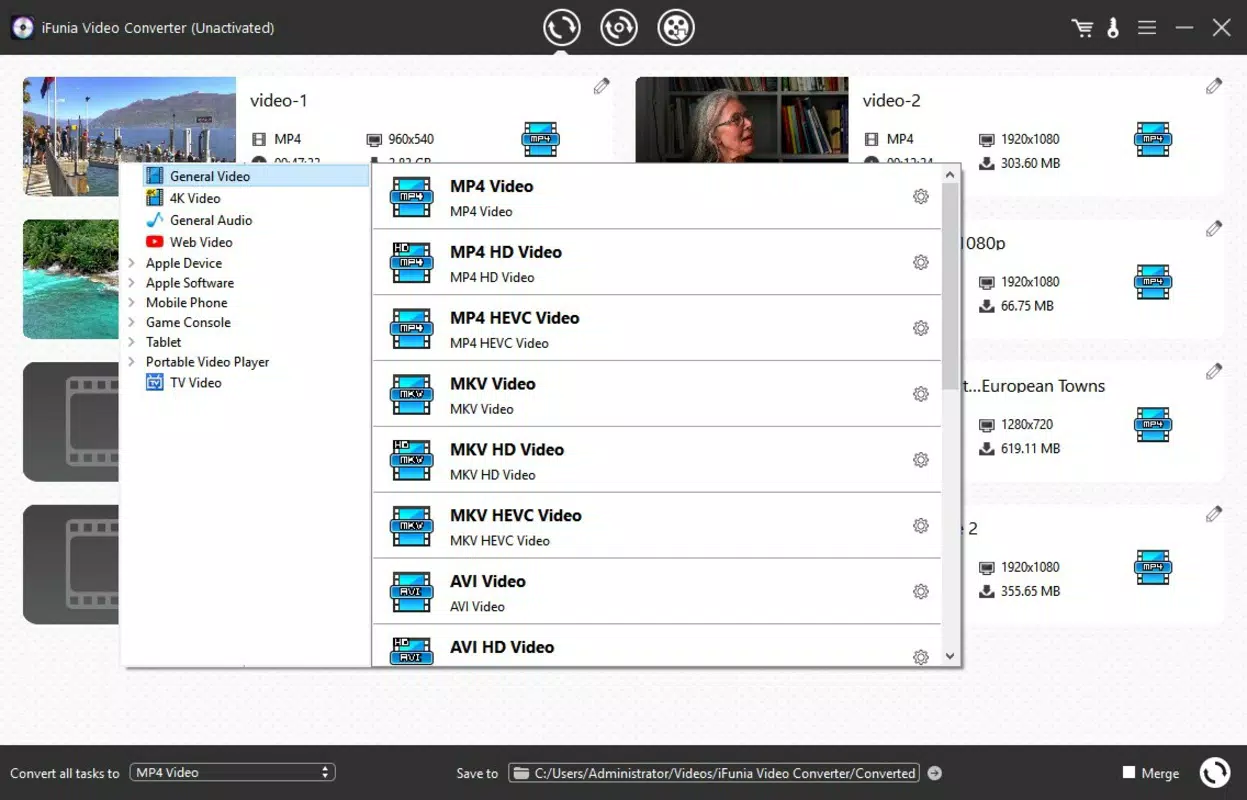
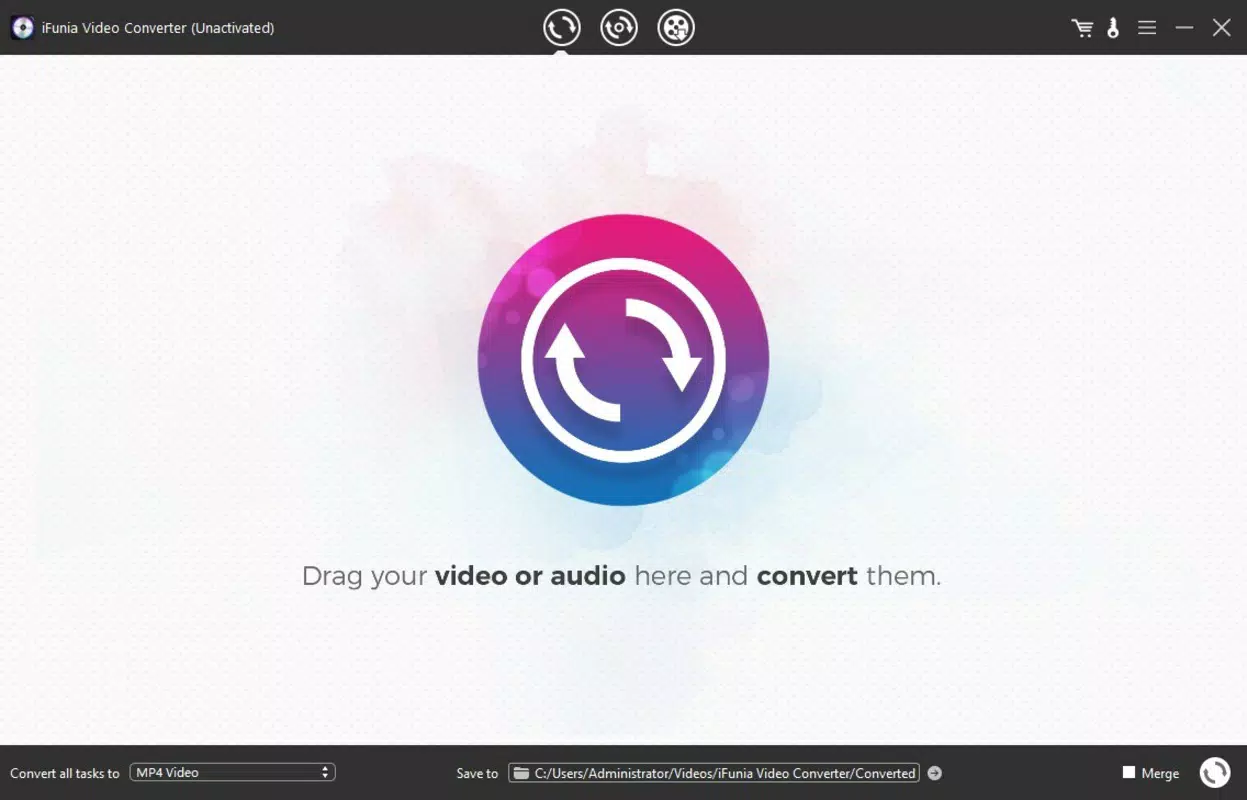
The user interface of iFunia Video Converter is designed with functionality and accessibility in mind. It features a clean, organized layout with clearly labeled sections for file import, format selection, and conversion settings. Navigation is intuitive, allowing users to move between tasks with minimal friction. The main window includes drag-and-drop functionality for importing files, which enhances usability for beginners and power users alike. Visual style is minimalistic yet modern, with a focus on clarity and performance. Color-coded buttons and status indicators help users track the progress of conversion tasks. The app maintains responsiveness even when processing multiple high-resolution files, though the developer did not list formal performance metrics. Users can expect stable operation across various device categories, provided system requirements are met. Although the developer did not specify minimum OS requirements or detailed performance benchmarks, the application’s design suggests optimization for mid-to-high-end Windows systems. The 48.5 MB file size indicates a lightweight footprint, which contributes to faster loading times and efficient memory usage. Stability during long-running tasks, such as batch conversions or DVD ripping, appears consistent based on user feedback patterns. The app handles complex operations without frequent crashes or freezes, indicating solid underlying architecture. However, no information was provided regarding compatibility with older Windows versions or low-memory environments. Overall, the UX prioritizes ease of use while delivering advanced capabilities, making it accessible to a wide range of users.Platform Compatibility & Technical Requirements
Pros and Cons
- Supports over 600 video and audio formats, including 4K and HEVC
- Batch conversion enables efficient processing of multiple files
- Device-specific presets simplify format selection for smartphones and consoles
- Integrated video editing tools allow trimming, cropping, and watermarking
- Powerful DVD ripping function for protected and standard discs
- High-quality output with minimal compression loss
- Compact file size of 48.5 MB
- Available only for Windows; no support for macOS, Android, or iOS
- Developer did not disclose minimum OS or hardware requirements
- Price point of $29.95 may be high for casual users
- No cloud integration or automatic update notifications
- Limited information on performance under heavy workloads
- Not available through official app stores


